
Project 002 · 3D / Web
Room Planner
Approx. $66.51 in API-equivalent costDeveloped using Codex with GPT-5.6-Sol at xhigh reasoning
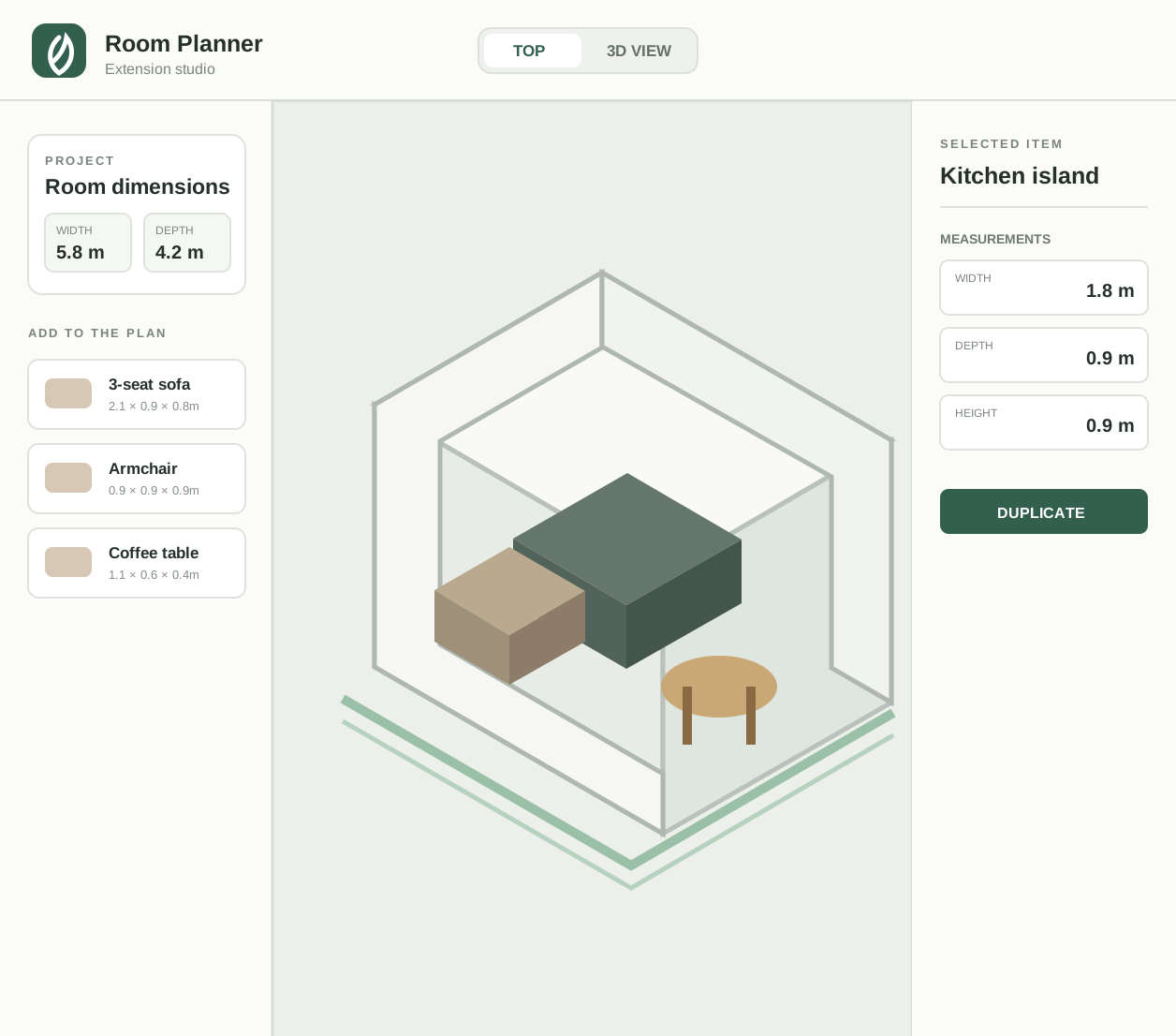
I wanted to try room layouts with the actual furniture I was considering before buying it.
I built a planner where I can recreate the room, try different layouts, and put the actual furniture I’m considering into it as 3D models.
- Public version
- Room planning, local saves, GLB imports, and some of my generated models
- API needed
- Hugging Face, only for generating new 3D models locally
- Hardware needed
- None